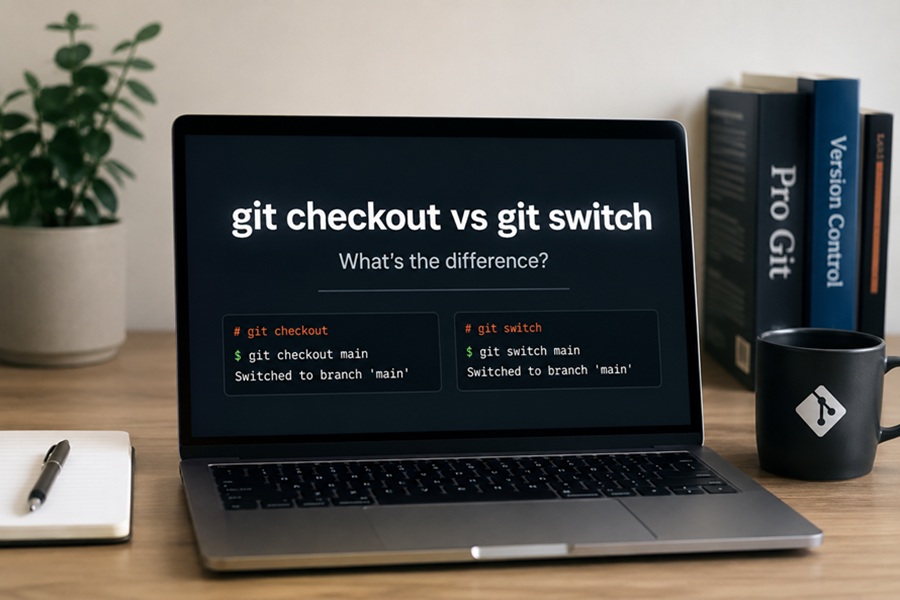
DISCLAIMER: Image is generated using ChatGPT.
I like to believe that I know Git well enough to get my job done. But as the saying goes: you never stop learning. I was recently talking to a friend of mine in India who just made the switch to Git. He was incredibly excited about it and was eager to share what he liked the most. During our conversation, he kept bringing up the git switch command.
I must admit, I had never used it before.
As soon as the call ended, I started digging into it. It turned out, I’m still living in ancient times! The git checkout command is easily one of my most frequently used commands. For a long time, git checkout was the real Swiss Army knife of Git, it did a little bit of everything. It switched branches, created new branches, and restored modified files.
For example, to restore local changes, I would always do:
$ git checkout -- README.md
To switch to an existing branch:
$ git checkout existing_branch
To create a new branch and switch to it immediately:
$ git checkout -b new_branch
And my all-time favorite, to jump back to the previous branch I was on:
$ git checkout -
But as I found out, there is a better, more modern way of doing all of these operations now.
git switch <branch> does the exact same thing as git checkout <branch>
git switch -c <branch> replaces git checkout -b <branch>
git switch - works just like git checkout -
But what about git checkout -- <filename>?
For that, we have another bit of magic: git restore <filename>.
Because git checkout was so heavily overloaded and could accidentally overwrite local changes if you weren’t careful, the Git team decided to split its responsibilities into two dedicated commands: git switch for moving between branches, and git restore for dealing with your files.
Happy Hacking !!!