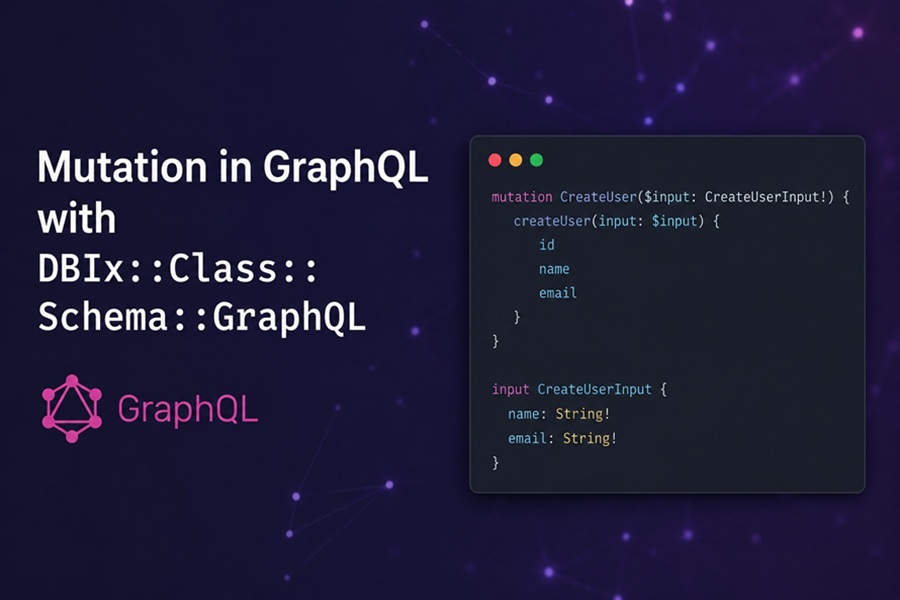
DISCLAIMER: Image is generated using ChatGPT.
In the last post, CPAN and GraphQL, I shared the new CPAN module DBIx::Class::Schema::GraphQL. It was the third post in the series so far. In all the post so far, I have only used CREATE and READ operation. Although the newly created CPAN module does support mutation but I didn’t mention that in the previous post.
John Napiorkowski pointed out exactly that in a Facebook post:
Would love to see an update of this that does full CRUDL
In this post, I will use the same script, mojo-app-v3.pl, from the previous blog post.
For demo purpose we have three authors and each author has one book each, something like below:
...
...
...

$db->resultset('Author')->create({
    name  => "J.R.R. Tolkien",
    books => [{ title => "The Hobbit" }]
});

$db->resultset('Author')->create({
    name  => "Isaac Asimov",
    books => [{ title => "Foundation" }]
});

$db->resultset('Author')->create({
    name  => "Damian Conway",
    books => [{ title => "Perl Best Practices" }]
});

...
...
...
Let’s start the app now:
$ perl mojo-app-v3.pl daemon
[2026-06-08 13:08:34.28544] [22984] [info] Listening at "http://*:3000"
Web application available at http://127.0.0.1:3000
The DBIx::Class::Schema::GraphQL v0.0.1 already provides full CRUDL. However partial updates were not supported.
So to demo the complete feature, I released v0.0.2 and patched the module to support patchX for partial update.
updateX: full update
The intent is that you are supplying the complete new state of the row. You should pass all non-key columns. The resolver takes whatever you provided, builds an update hashref from the defined args, and calls ->update().
However, if you omit a column, the resolver silently skips it. So the database won’t null it out. That means updateX won’t actively destroy data you forget to send, but that behaviour is incidental, not a guarantee you should rely on. The semantic contract is "here is the full row".
mutation {
  updateBook(id: 1, title: "Dune Messiah", author_id: 4) {
    id title
  }
}
patchX: sparse update
The intent is that you are supplying only the columns you want to change. Everything else is deliberately left alone. The resolver applies the same defined-arg filter, but it also enforces that at least one non-key column was provided. If you send only the key and nothing else, it dies with a clear error rather than silently doing nothing.
mutation {
  patchBook(id: 1, title: "Dune Messiah") {
    id title
  }
}
Here author_id is not sent, and that is deliberate, the caller is saying "I only want to rename this book".
Lets go through each one by one using sample data.
[C]reate
$ curl -s -X POST http://127.0.0.1:3000/graphql \
       -H 'Content-Type: application/json' \
       -d '{"query":"mutation { createAuthor(name: \"Frank Herbert\") { id name } }"}'
{
   "data" : {
      "createAuthor" : {
         "id" : 4,
         "name" : "Frank Herbert"
      }
   }
}
[R]ead
$ curl -X POST http://127.0.0.1:3000/graphql \
       -H "Content-Type: application/json" \
       -d '{"query": "{ author(id: 4) { name } }"}'
{
   "data" : {
      "author" : {
         "name" : "Frank Herbert",
      }
   }
}
[U]pdate
Before we update, let’s first fetch the book (id=1).
$ curl -s -X POST http://127.0.0.1:3000/graphql \
       -H 'Content-Type: application/json' \
       -d '{"query":"{ book(id: 1) { title } }"}'
{
   "data" : {
      "book" : {
         "title" : "The Hobbit",
      }
   }
}
Now we will update the above book (id=1) title.
$ curl -s -X POST http://127.0.0.1:3000/graphql \
       -H 'Content-Type: application/json' \
       -d '{"query":"mutation { updateBook(id: 1, title: \"The Hobbit: Revised\", author_id: 1) { title } }"}'
{
   "data" : {
      "updateBook" : {
         "title" : "The Hobbit: Revised",
      }
   }
}
To prove the update was successful, let fetch the same book again.
$ curl -s -X POST http://127.0.0.1:3000/graphql \
       -H 'Content-Type: application/json' \
       -d '{"query":"{ book(id: 1) { title } }"}'
{
   "data" : {
      "book" : {
         "title" : "The Hobbit: Revised",
      }
   }
}
[P]atch
Let’s update the same book (id=1), partially without providing the author_id.
$ curl -s -X POST http://127.0.0.1:3000/graphql \
       -H 'Content-Type: application/json' \
       -d '{"query": "mutation { patchBook(id: 1, title: \"Dune Messiah\") { title } }"}'
{
   "data" : {
      "patchBook" : {
         "title" : "Dune Messiah"
      }
   }
}
To prove patch worked as expected, let’s fetch the same book (id=1).
$ curl -s -X POST http://127.0.0.1:3000/graphql \
       -H 'Content-Type: application/json' \
       -d '{"query":"{ book(id: 1) { title } }"}'
{
   "data" : {
      "book" : {
         "title" : "Dune Messiah"
      }
   }
}
The distinction maps directly to the HTTP analogy: updateX is PUT, patchX is PATCH.
[D]elete
Now we will delete the author (id=4) we created earlier.
$ curl -s -X POST http://127.0.0.1:3000/graphql \
       -H 'Content-Type: application/json' \
       -d '{"query":"mutation { deleteAuthor(id: 4) }"}'
{
   "data" : {
      "deleteAuthor" : true
   }
}
[L]ist
Finally list all authors.
$ curl -s -X POST http://127.0.0.1:3000/graphql \
       -H 'Content-Type: application/json' \
       -d '{"query":"{ allAuthors { total nodes { name } } }"}'
{
   "data" : {
      "allAuthors" : {
         "total" : 3,
         "nodes" : [
            {
               "name" : "J.R.R. Tolkien"
            },
            {
               "name" : "Isaac Asimov"
            },
            {
               "name" : "Damian Conway"
            }
         ]
      }
   }
}
Happy Hacking !!!